Просмотр новости
Найдите то, что Вас интересует
 Спутники
 РН
РН SpaceX
 Роскосмос
 NASA
NASA
СпутникиРНSpaceXРоскосмосNASAMicrosoft says it's making it easier for Outlook Classic holdouts to switch to New Outlook for Windows by fixing a calendar bug.
The post Microsoft says the New Outlook switch was painful for Classic holdouts due to a Calendar bug, now getting fixed appeared first on Windows Latest
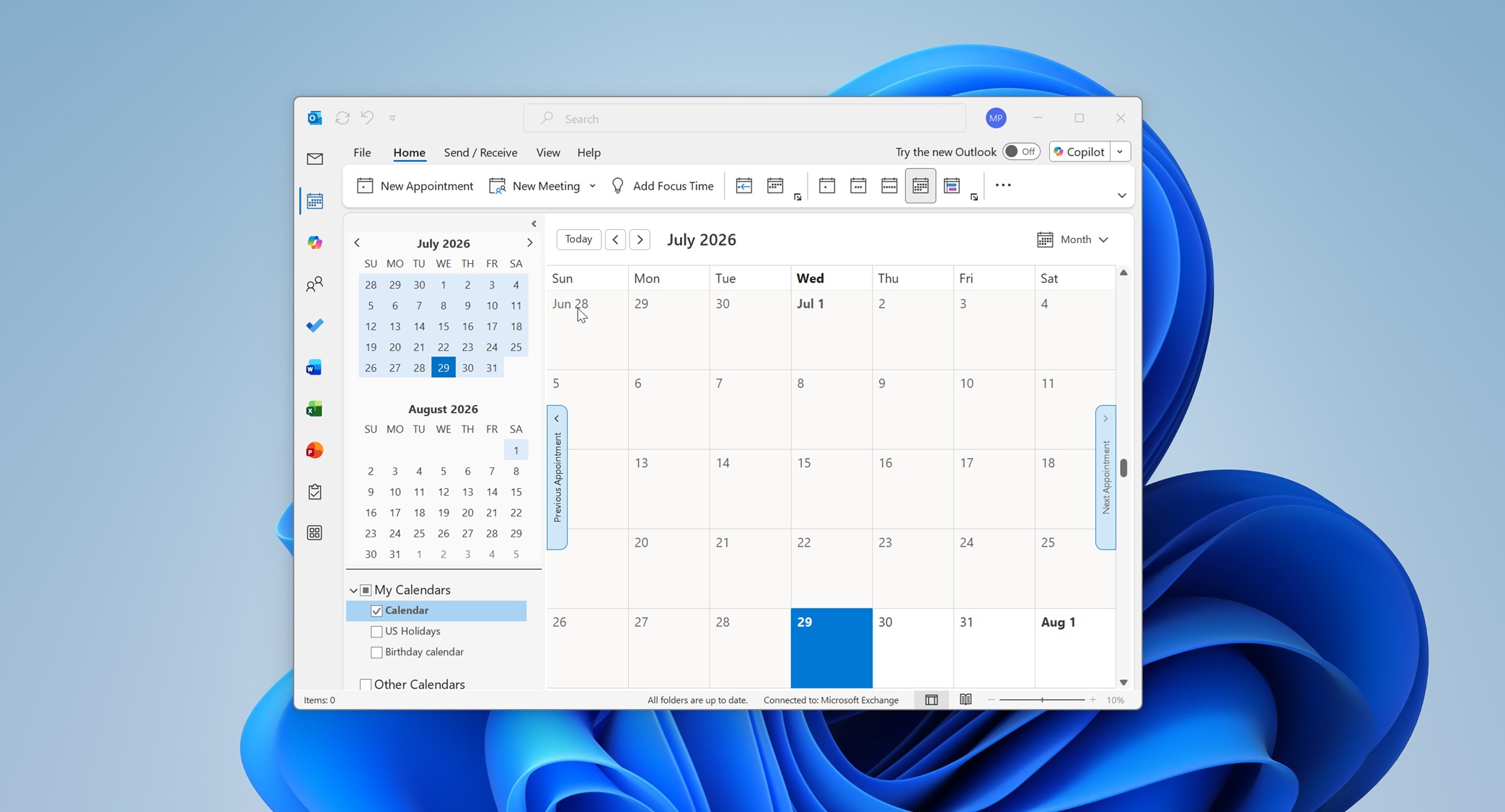
Microsoft has confirmed that it’s not stepping back from the forced rollout of New Outlook in March 2027 and is now making it easier for Outlook Classic holdouts to switch. In a new update posted on the admin portal, Microsoft says you’ll now see automapped calendars when you switch between Classic and New Outlook for Windows.
Right now, when you switch from Outlook Classic to New Outlook, automapped calendars are not automatically carried over. That means you may not be able to access those calendars after making the switch, and you’ll need to reach out to your admin to migrate them manually.
In the next few weeks, if you switch to New Outlook and have automapped calendars in Outlook Classic, Microsoft says it’ll smoothly move everything over.
“Users will be able to automatically see their automapped calendars when toggling from classic Microsoft Outlook to new Outlook for Windows,” Microsoft noted in a new post on the admin portal. “This message applies to classic Outlook for Windows desktop and new Outlook for Windows desktop.”
Microsoft originally began rolling out the feature to users in early June 2026 and now expects the rollout to finish by the end of August 2026.
Once the feature rolls out, you’ll be able to see your automapped calendars when you toggle from Classic Outlook to New Outlook. Open Outlook, go to Calendar, and click My Calendars. There, you’ll find the automapped calendar.
Microsoft is improving shared calendars in OutlookI also noticed that Microsoft plans to automatically upgrade shared calendars in Outlook and Exchange Online to a modern REST model.
Right now, shared calendars use the legacy MAPI model, which works well for most users, but switching to the new REST model would make syncing shared calendars more reliable and faster.
“This server-side upgrade will improve calendar sync reliability, performance, and consistency for delegates and users who access shared calendars,” Microsoft noted in an admin center update spotted by Windows Latest. “The change is designed to be seamless and will not require any action from users or administrators.”
This is a server-side change, which means it’s a feature that’s changing on Microsoft’s backend. For those who don’t understand, Microsoft is moving from one model to another for syncing shared calendars, and you won’t notice any difference beyond a faster or more reliable shared calendar experience.
Outlook’s improved shared calendar experience will begin rolling out in August 2026 and be completed by the last week of September 2026.
One known issue that you need to know aboutYou don’t have to take any action when the shared calendars’ backend server is moved, but Microsoft warns that a new calendar folder will remain hidden when it’s created until the migration finishes. It’ll only become available to everyone when the sync is completed and validated.
“The transition is expected to appear seamless, with no interruption to normal user workflows,” the company noted. “Events older than one year will be excluded from the initial sync window.”
It’s also worth noting that Classic Outlook will respect your ‘Turn on shared calendar improvements’ toggle, which means Outlook will still use the MAPI-based model when the setting is turned off. Since this setting does not exist in New Outlook, you’ll use the REST model by default.
In addition to these quality improvements, Outlook is still rolling out Copilot-related features, including Copilot in the email compose box and an alert that will show up when you respond to an old email in a conversation where there’s a newer message.