Просмотр новости
Найдите то, что Вас интересует
 Спутники
 РН
РН SpaceX
 Роскосмос
 NASA
NASA
СпутникиРНSpaceXРоскосмосNASA
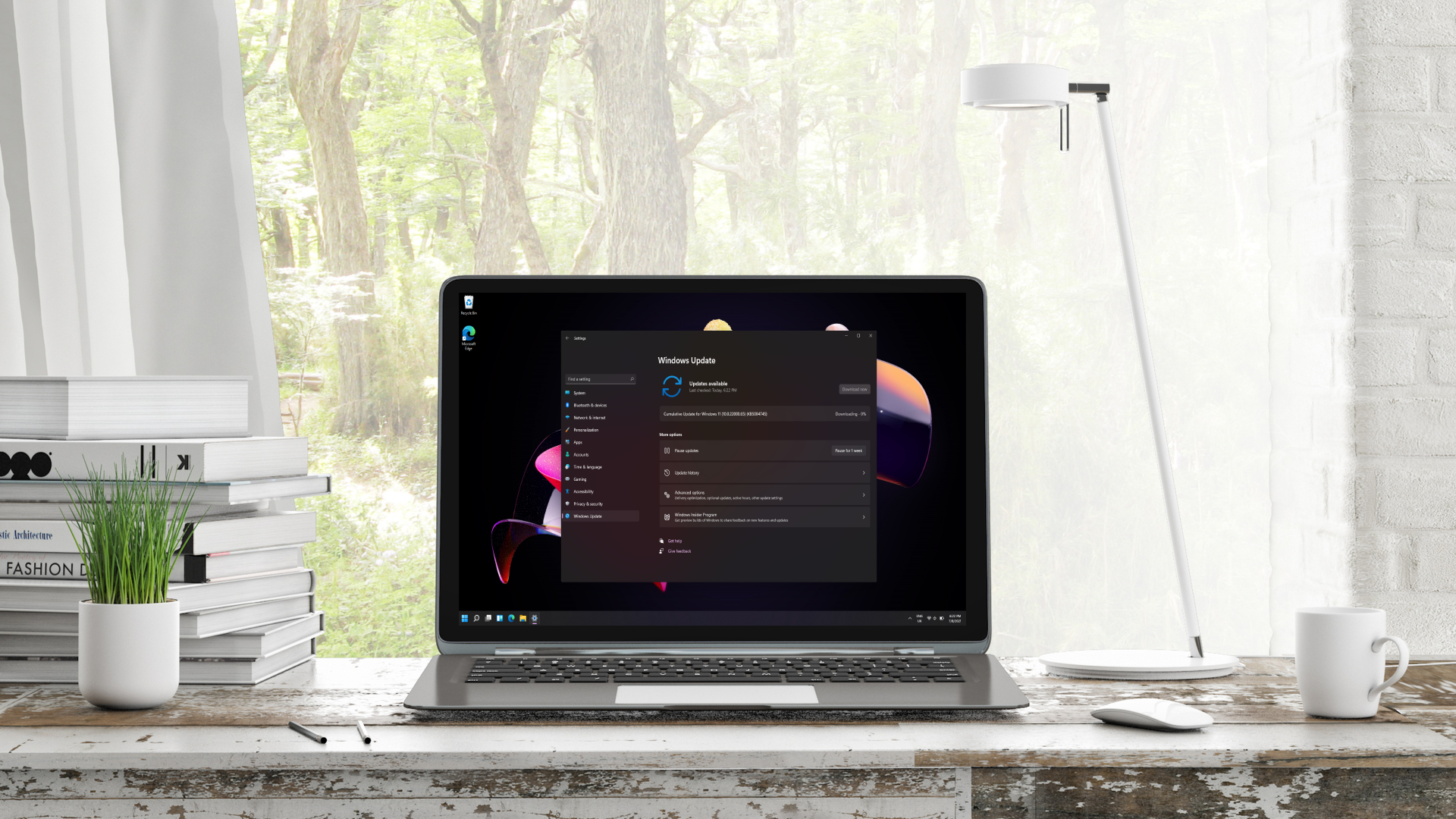
Windows 11 is getting another boost to the way updates work — and this appears to be a major focus for Microsoft currently.
 (Image credit: TechRadar)
Windows 11 is getting some more very useful changes, including an improved process for updates and a raft of tweaks for the default apps in the OS.
Microsoft has just released a new preview in the Experimental channel (build 26300.8687) which packs the changes for Windows Update (which were announced as incoming a while back in April).
Microsoft tells us: "We are rolling out a new unified update experience to reduce the number of reboots you see per month. We are starting by coordinating driver, .NET, and firmware updates to align with the monthly quality update, reducing the update experience to a single monthly restart."
Elsewhere, Thurrott.com points out that Microsoft has a whole lot of work underway for the various core Windows 11 apps, and that the company is now documenting these changes under separate release notes for apps in its Learn portal.
Calculator is getting tweaked so it has readable text when using high contrast themes and more accurate square-root results (with rare errors fixed).
Windows 11's Camera app now supports more video resolution options, and a full range of zoom levels (plus the zoom slider now works with more cameras, including the latest models). Microsoft has also ensured that the front-facing cameras on more devices are supported.
The Clock has the ability to run more countdowns (up to three simultaneously) and a new 15-minute snooze on alarms, among a whole load of minor changes.
Sign up for breaking news, reviews, opinion, top tech deals, and more.
Microsoft Paint now offers functionality to adjust how transparent the eraser is, and the AI image panel has been tidied up with a cleaner layout. The toolbar loads faster, too, and a bunch of stability tweaks have been applied, reducing the likelihood of crashes.
The Photos app also has some useful changes so it'll now display very tiny images (such as pixel art) with an appropriate level of zoom so they look sharp rather than a blurry mess, as well as tweaks for the interface and again stability (resolving a crash that happened during text recognition).
With improvements to Media Player (custom captions, bug fixes and better overall reliability) and Sound Recorder, Microsoft is clearly busy with these default apps.
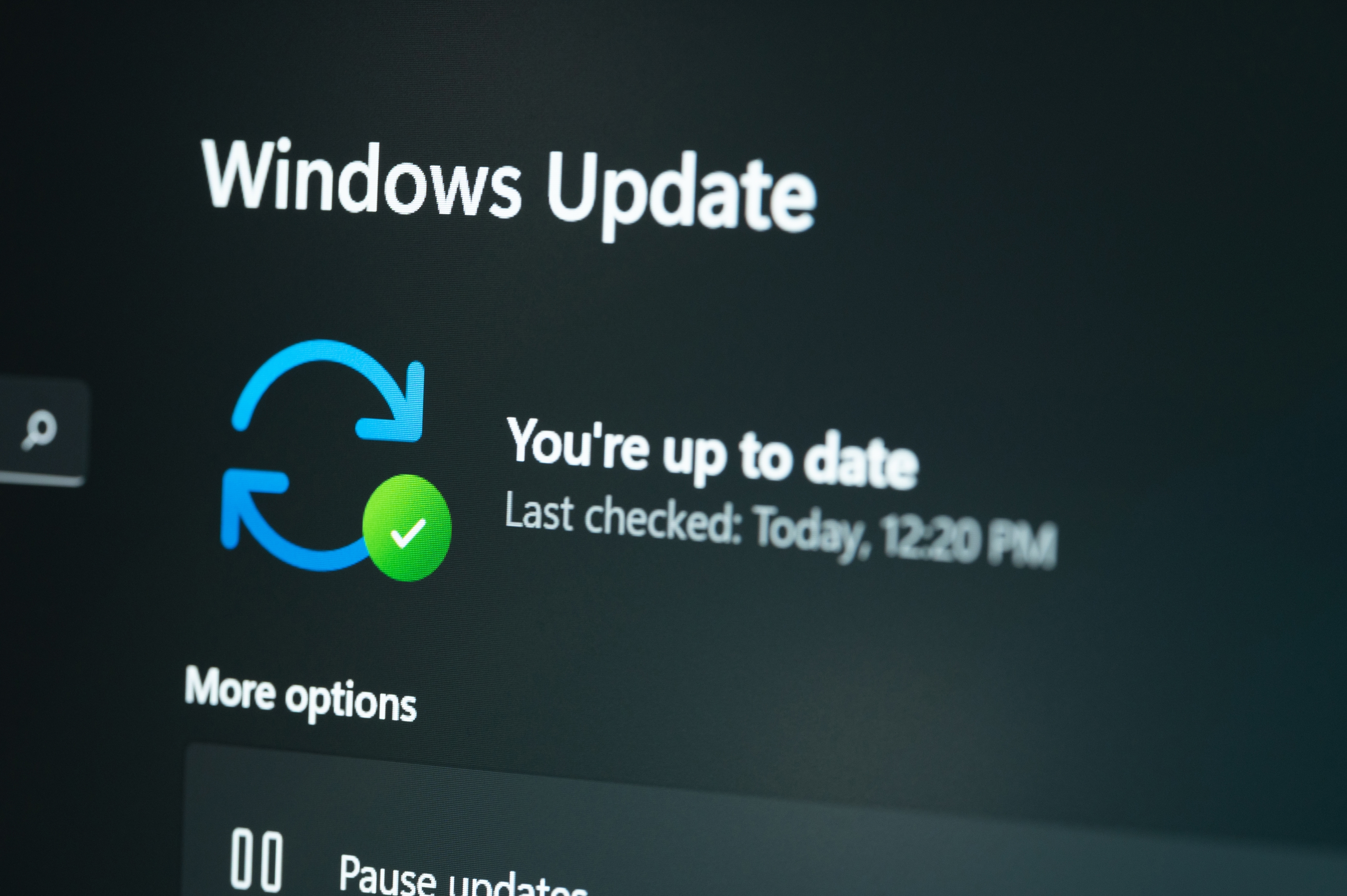
Bear in mind that all of these changes are in testing right now, but the various bits of tweaking and new features for Windows 11's core apps shouldn't take long to come through.
The move to consolidate the deployment of Windows 11's updates will take longer, as it's only in the Experimental channel (early testing) right now, and it's just rolling out gradually there. However, it's great to see this inbound, because it's going to represent a major convenience for the average Windows 11 user.
Instead of having to bother with separate updates for firmware, or the .NET framework, or device drivers, Windows Update will bundle them all together with the monthly cumulative update that Microsoft releases. The upshot is that you'll only have to reboot once to apply all those upgrades, and while installation will take longer, simplifying how updates work in this way is definitely worth the trade-off.
This is one of many improvements Microsoft has in the works for Windows 11 updates, and the key piece of functionality that's already in the pipeline is the ability to delay a monthly update indefinitely. Update installation failures have long been a blemish on Microsoft's reputation, too, and moves are afoot to cure these blues.
Follow TechRadar on Google News and add us as a preferred source to get our expert news, reviews, and opinion in your feeds.
Darren is a freelancer writing news and features for TechRadar (and occasionally T3) across a broad range of computing topics including CPUs, GPUs, various other hardware, VPNs, antivirus and more. He has written about tech for the best part of three decades, and writes books in his spare time (his debut novel - 'I Know What You Did Last Supper' - was published by Hachette UK in 2013).
