Просмотр новости
Найдите то, что Вас интересует
 Спутники
 РН
РН SpaceX
 Роскосмос
 NASA
NASA
СпутникиРНSpaceXРоскосмосNASA
Is your router struggling in the heat? A broadband expert says you're likely making these mistakes.
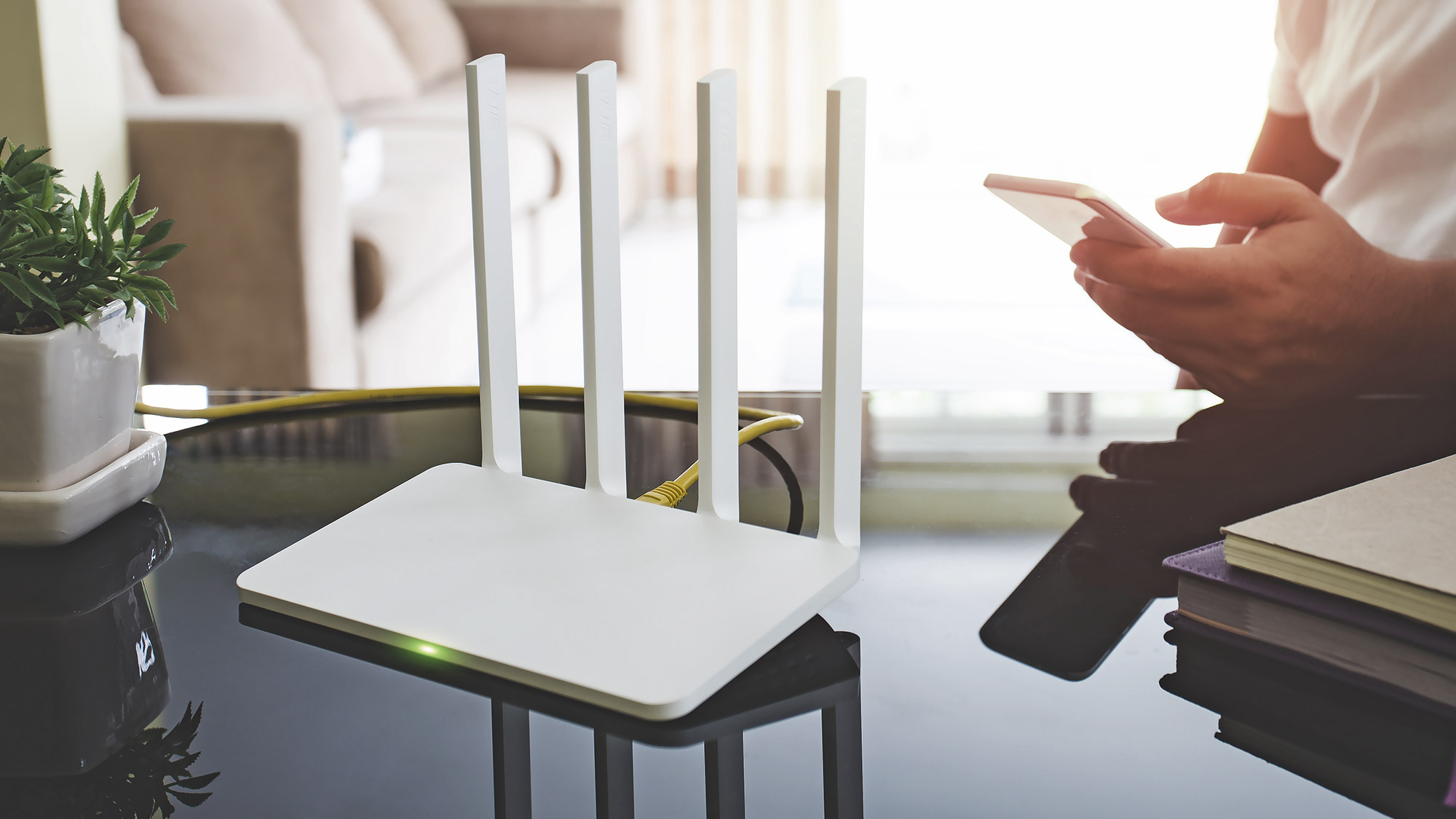 (Image credit: Getty)
It is absolutely scorching outside, the AC is struggling, and all you want to do after a long day is zone out with a movie or play some games. Instead, you're staring at a spinning loading wheel.
Before you lose your temper, yell at your internet provider, or contemplate spending cash you don't have on a brand-new mesh system, take a close look at your router. With temperatures soaring, intense heat is putting massive pressure on our home hardware.
To find out how to keep our connections alive, I spoke to Max Beckett, a resident broadband comparison expert at Uswitch. Here are the simple mistakes you might be making with your router right now, and how to fix them for free.
1. Letting it bake on the windowsill
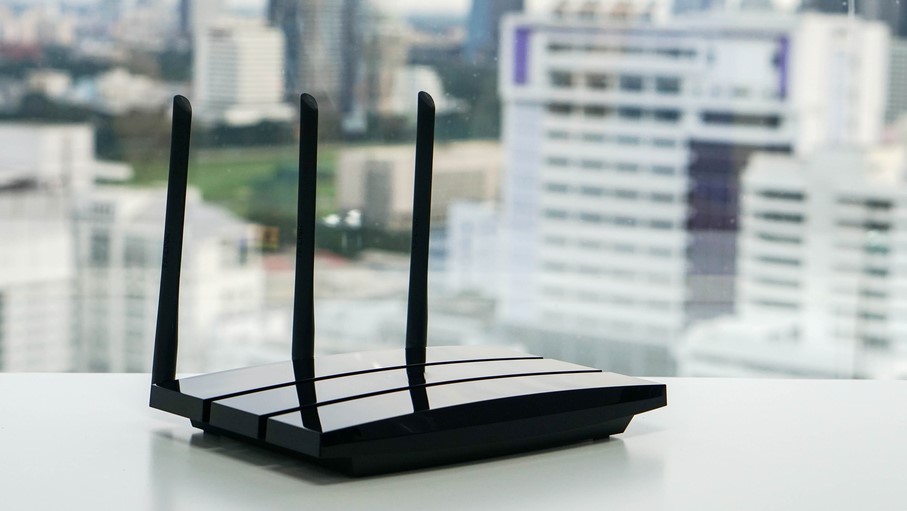
Windowsills are prime real estate for routers (guilty as charged!), but during a heatwave, you are essentially putting your tech in a greenhouse. Finding the right spot in your house is crucial during a hot spell.
As Beckett explains, "Where you place your router can make a big difference during warmer weather. Avoid putting it on windowsills or anywhere exposed to direct sunlight, as this can cause it to heat up faster.
Instead, keep it in a cooler, central location where the signal can reach more areas of your home." Simply moving it to a shady shelf can instantly save your hardware and your connection.
2. Treating your router like ugly home decor

Wi-Fi routers aren't the prettiest pieces of kit in the world, which is why most of us stash them away them inside TV cabinets, tuck them behind the sofa, or leave them on carpeted floors out of sight.
During a heatwave, however, you need to give your router some space to breathe. Max Beckett points out that your hardware needs decent ventilation to keep from stalling:
"Routers need airflow to help regulate their temperature, so avoid placing them inside cupboards, behind furniture, or on soft surfaces like carpets. Keeping the area around your router clear allows heat to escape and helps it work more efficiently."
3. Creating a tech sandwich
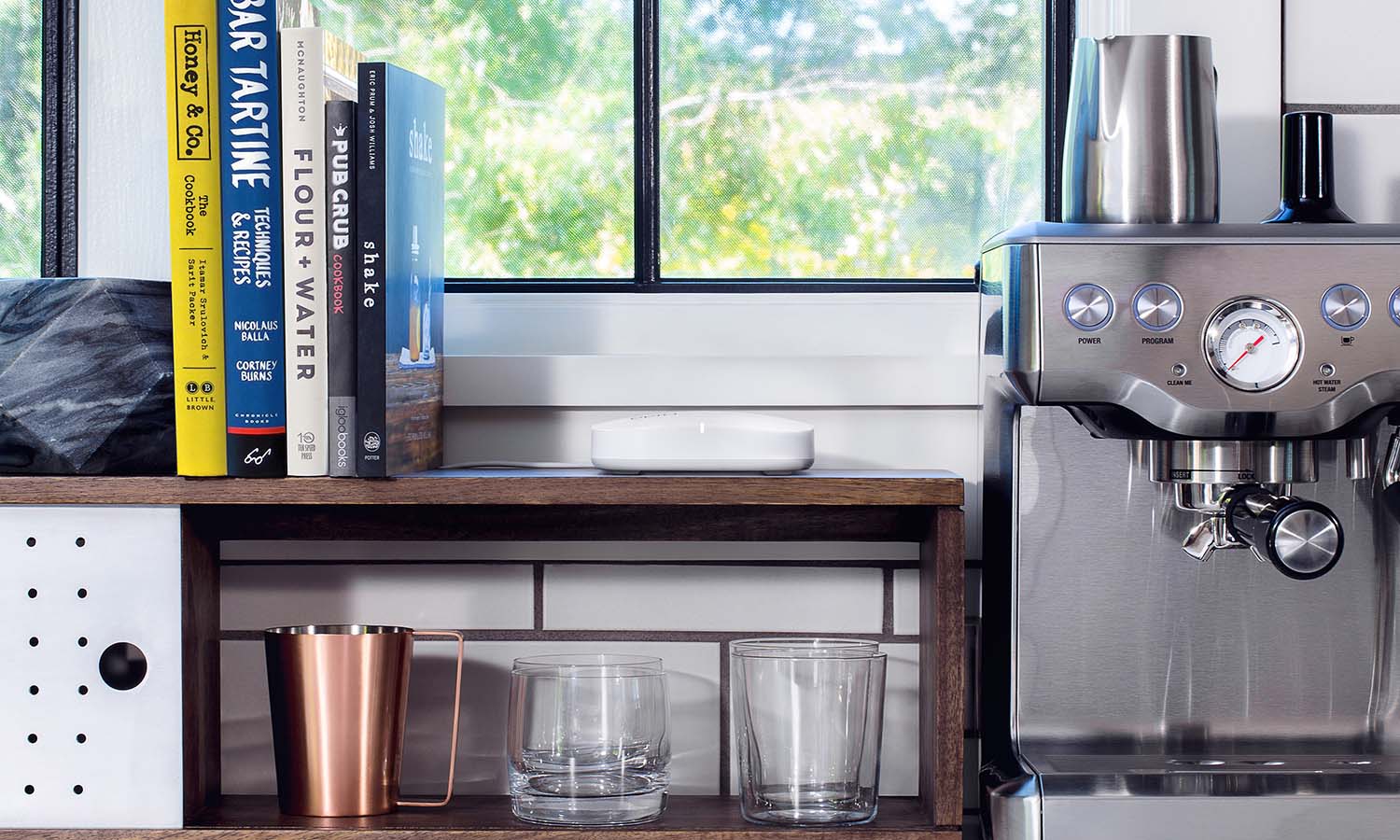
Your router already runs hot on a normal day. If you have it stacked on top of your gaming console, right next to your hot TV, or on top of a cable box, you are creating a localized heat trap that will fry its internal chips. It needs to avoid other sources of heat as much as possible.
Beckett points out that your router's performance will rapidly decline if it is trapped next to other hot machinery: "Your router can struggle to stay cool if it’s surrounded by other warm devices. Try to avoid placing it next to televisions, games consoles, or other electronics that generate heat, especially during periods of hot weather."
Give your devices some breathing room so they aren't radiating heat onto each other.
4. Panicking and constantly rebooting it
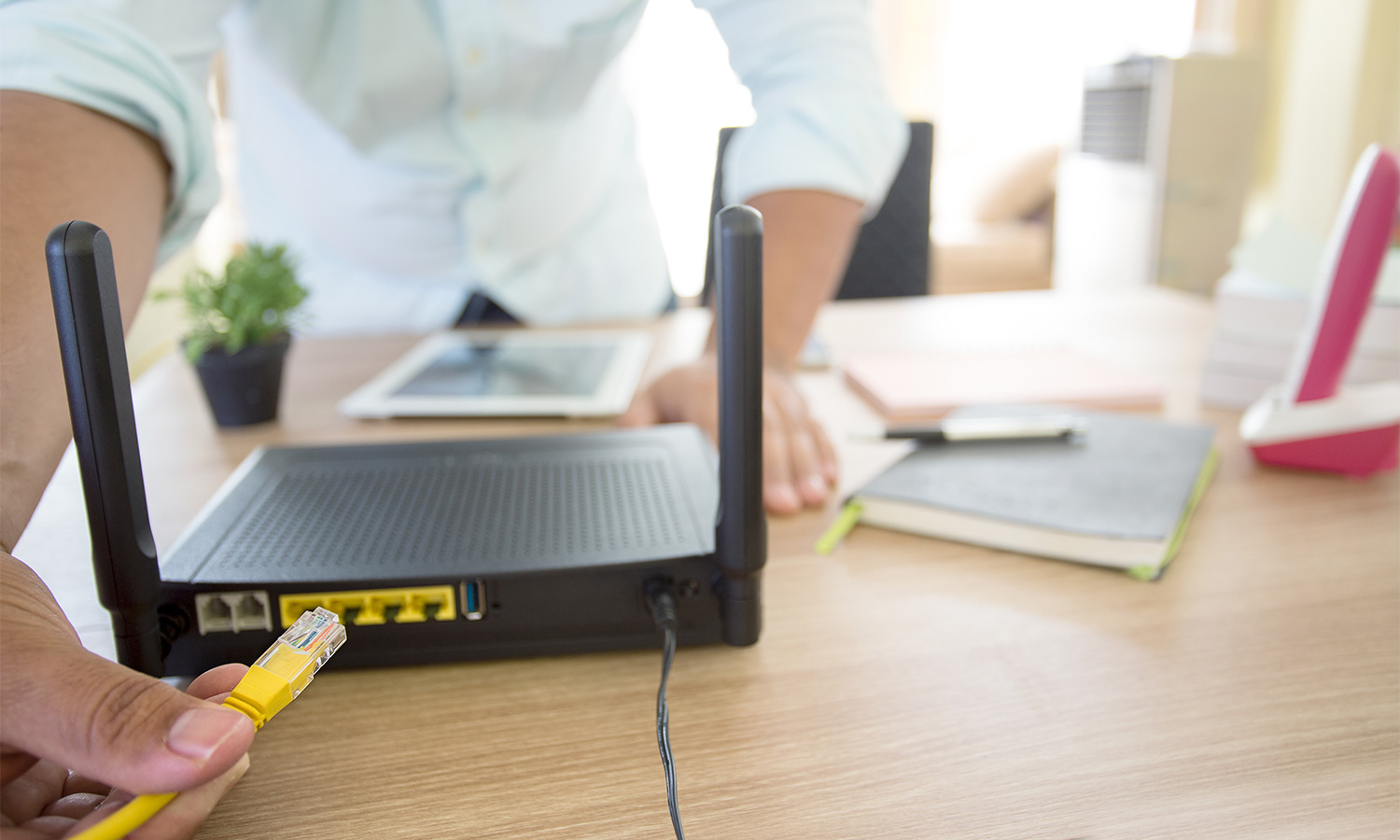
When the Wi-Fi drops, our first instinct is to rip the power cord out, wait ten seconds, and plug it back in. If it drops again five minutes later, we do it again. While a single restart can clear a glitch, repeatedly power-cycling a boiling hot router is like revving a stalling car engine.
Beckett warns against this cycle, noting that while "restarting your router could help resolve temporary connection issues... avoid repeatedly switching it off and on to cool it down, as this can interrupt your connection and may not address the cause of the problem."
If it's too hot to touch, turn it off once, let it rest for 15 minutes to cool down naturally, and then fire it back up.
5. Demanding too much from your network
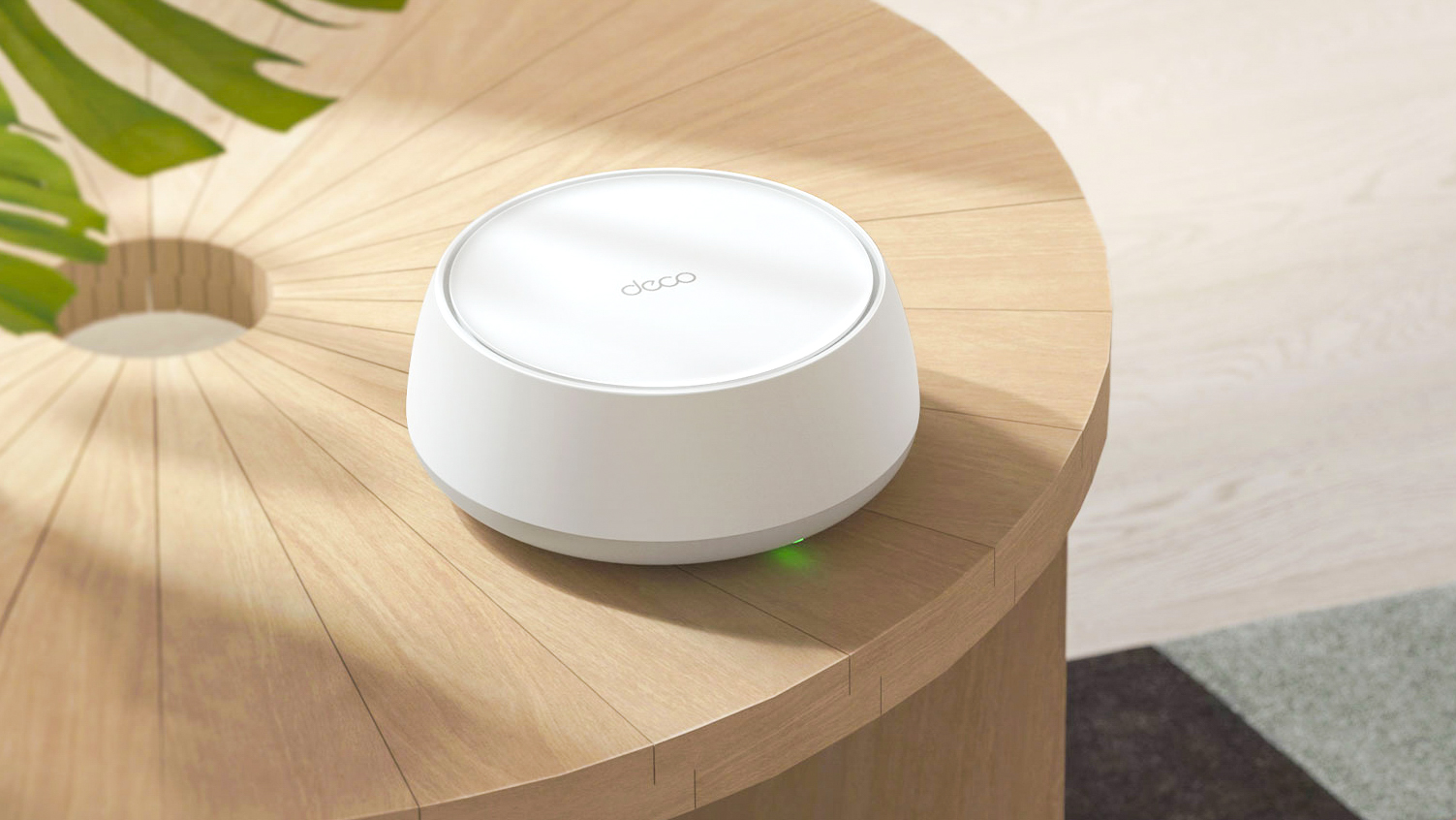
When the temperature spikes, your router’s processor has to slow down to protect itself. Throwing a massive game download or heavy 4K streaming at it is only going to trigger a crash.
During the summer, you have to be mindful of how many gadgets are drawing power at once.
Beckett suggests you "disconnect devices that aren’t being used and pause large downloads or updates where possible to help your connection run smoothly." Give the hardware a break by kicking idle phones and tablets off the network.
Still crawling? It might be time to call your providerIf you've tried all of these free fixes and your connection is still dropping constantly, the heatwave might have simply exposed the fact that your hardware is ancient and needs replacing.
If your signal regularly drops, Beckett recommends running "a broadband speed test to check your performance. Older routers may struggle to keep up with modern household demands, so it’s worth checking with your provider whether you’re eligible for an upgrade."
Follow Tom's Guide on Google News and add us as a preferred source to get our up-to-date news, analysis, and reviews in your feeds. Subscribe to Tom's Guide on YouTube and follow us on TikTok.
More from Tom's GuideGet instant access to breaking news, the hottest reviews, great deals and helpful tips.
Kaycee is Tom's Guide's How-To Editor, known for tutorials that get straight to what works. She writes across phones, homes, TVs and everything in between — because life doesn't stick to categories and neither should good advice. She's spent years in content creation doing one thing really well: making complicated things click. Kaycee is also an award-winning poet and co-editor at Fox and Star Books.
| # | Наименование новости | Тональность | Информативность | Дата публикации |
|---|---|---|---|---|
| 1 | How to protect your smart home gadgets in a heatwave — 3 expert tips to do right now | 0 | 5 | 16-07-2026 |
| 2 | Stabiles WLAN im Sommer : Hitze-Koller vermeiden: Der Router muss an die frische Luft | 0 | 10.34 | 14-08-2026 |
| 3 | Раскрыта неожиданная поломка ноутбуков в жару | 0 | 10 | 03-08-2026 |
| 4 | Россиянам перечислили главные ошибки в жару | 0 | 5 | 01-07-2026 |
| 5 | Названа усугубляющая жару в доме летом ошибка | 0 | 5 | 13-07-2026 |
| 6 | Назван способ спасти загородный дом от перегрева в жару | 0 | 5 | 13-07-2026 |
| 7 | Раскрыта главная опасность для компьютера летом | 0 | 5 | 29-06-2026 |
| 8 | Older fridges can't keep up with the heat — 3 things to consider before buying a replacement | 2 | 6 | 16-07-2026 |
| 9 | Misting fans make the summer heat more bearable — and these are on sale | 2 | 6 | 17-06-2026 |
| 10 | How to stay safe in hot weather | 5 | 8 | 23-06-2026 |
